 Zone Poll
Your times, in your zone
Every poll is a grid: one column per date, one row per slot. The rows are your local times, whatever zone the organizer is in, so nobody has to convert anything.
- Drag across the grid to mark when you can make it, as Available or If need be. Changes save as you go.
- On a phone, tap a time, or long-press and drag to mark a block. Paint mode stops the grid scrolling under your finger.
- Switch the grid to anyone else's zone with one tap.


Everyone's answers
Everyone shows how many people can make each time: the deeper the colour, the more people, and green when everyone said yes.
- Point at or tap a time to see who's in, who's not, and what time it is for each of them.
- Best times lists the longest runs that the most people can make.
- Everything updates live as people answer.


The final time
The organizer drags down one day's column, or picks a best time, and locks it. Answers close and everyone sees the final time in their own zone.
- Add to Google Calendar, or download an
.icsfile for Apple Calendar and Outlook. - Copy times lists the time in every participant's zone, ready to paste.
- Reopen and lock another time, and calendars update the same event.


Daylight saving
Slots are real instants, so each one shows at the right local time for everyone, on every day.
When your clocks and the organizer's change on different dates, as Europe and North America do every spring and autumn, those days sit an hour higher or lower and are tagged +1h or −1h. Times that don't exist, or happen twice, on a change night are handled too.

Starting from Zone Hours
Found a good time in Zone Hours? Poll these times opens a new poll filled in from your selection: its date, its hours as the daily window, in your home zone.
Check the details, give it a title and create it.
Open Zone Hours →
Link previews
A poll link pasted into a chat or an email shows the poll's title, its dates and how many people have answered, or the final time once it's locked.
Names never appear in a preview, and a deleted poll stops previewing at once.
Create a poll →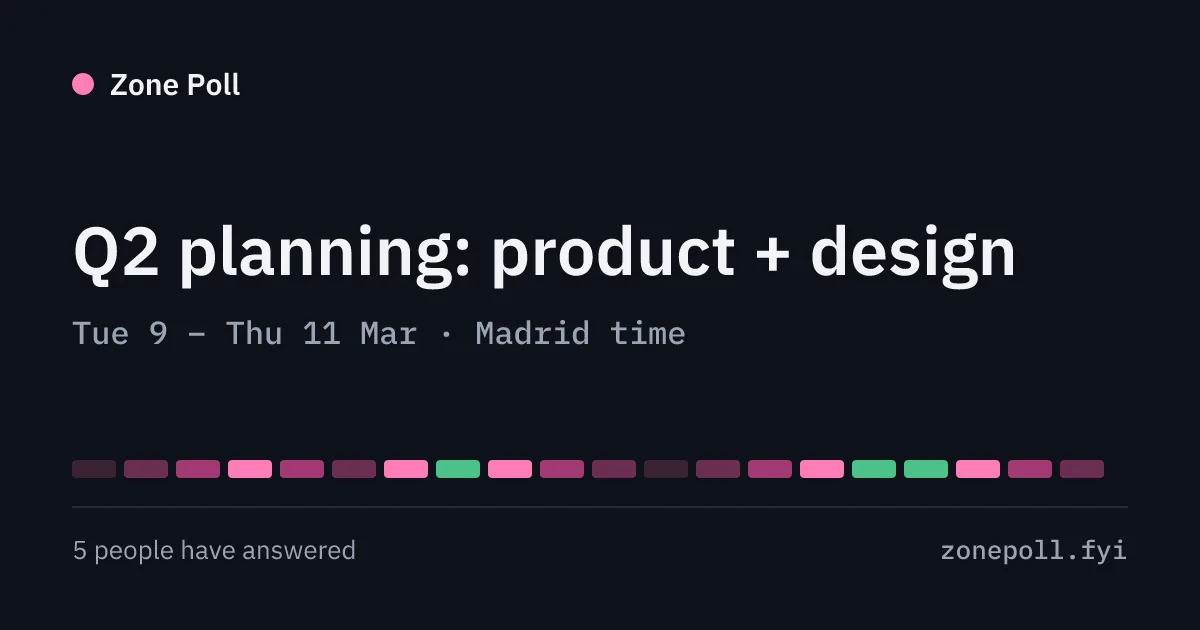
Install and offline
Zone Poll installs like an app: Share, then Add to Home Screen on iPhone, or Install in Chrome.
The home page and the create form open offline. Polls need a connection, because everyone's answers live on the server.
Open Zone Poll →
Questions
How do I find a meeting time across time zones?
Create a poll with a few dates and a daily window in your own zone, and share the link. Everyone marks when they can make it on a grid shown in their own time zone. The Everyone view counts who can make each time and lists the best times.
Is Zone Poll free? Do I need an account?
It's free, with no sign-up and no cookies. You get a link to share and a private admin link to manage the poll.
Does it handle daylight saving time?
Yes. Every slot is a real instant, so it shows at the right local time for each person on each day. When your clocks and the organizer's change on different dates, those days are tagged so nobody is caught out.
Who can see my answers?
Anyone with the poll's link sees the names and times in it, so share it only with the people you're asking. Polls are deleted 30 days after their last date, or at once by the organizer.
Can I add the final time to my calendar?
Yes. Once the organizer locks the final time, everyone can download an .ics file for Apple Calendar or Outlook, or add it to Google Calendar, with the time in every participant's zone in the description.
Does it work on phones?
Yes. Tap to mark a time, long-press and drag to mark a block, or turn on Paint mode. You can install it from your browser; the home page and the create form work offline.